Elevate Your Wedding Designs with a Smart Object Mockup
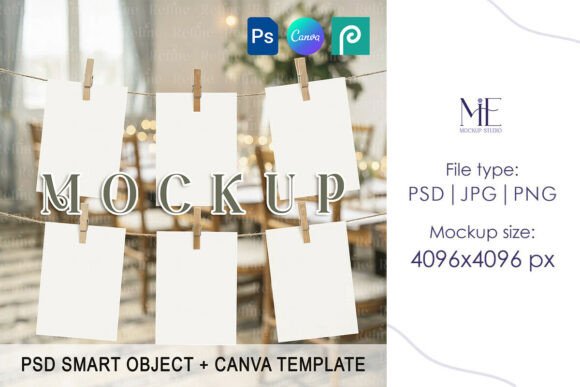
Transform your flat stationery designs into breathtaking, tangible presentations with the power of an Invitation Suite Smart Object Mock Up. This essential tool allows graphic designers and stationers to instantly visualize their work in a realistic, high-resolution context, bridging the gap between digital creation and final printed product. For anyone crafting wedding invitations, event suites, or branded stationery, a professional mockup is the key to communicating quality and cohesion to clients or customers.
Why Smart Object Mockups are a Designer's Secret Weapon
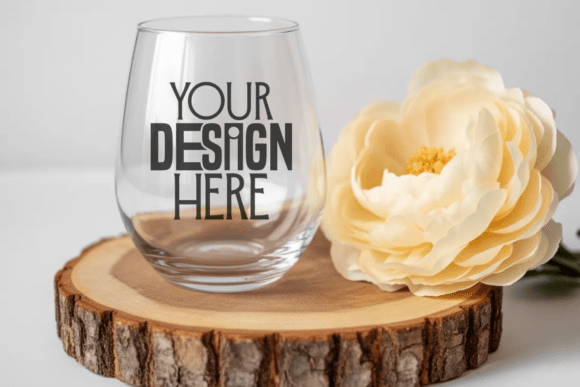
In the realm of visual design and branding, presentation is everything. A beautifully designed invitation can lose its impact if presented as a simple flat JPEG. A smart object mockup solves this by placing your design onto a photorealistic scene with accurate shadows, lighting, and textures. This creates an immediate emotional connection, helping clients envision the final piece. It’s a critical step in the design workflow, ensuring your creative projects are communicated with the professionalism they deserve.
The "smart object" feature in a PSD file is particularly powerful. It allows you to edit your design within a protected layer, and the mockup automatically applies all the perspective, lighting, and texture effects. This means you can update typography, color palettes, or logo placement in seconds, seeing a flawless, realistic result every time. It streamlines the revision process and elevates the perceived value of your work.
Practical Applications Beyond the Wedding Suite
While perfect for wedding and shower invitations, the utility of a high-quality mockup extends across numerous creative and commercial projects. Consider these applications for your brand identity and marketing materials:
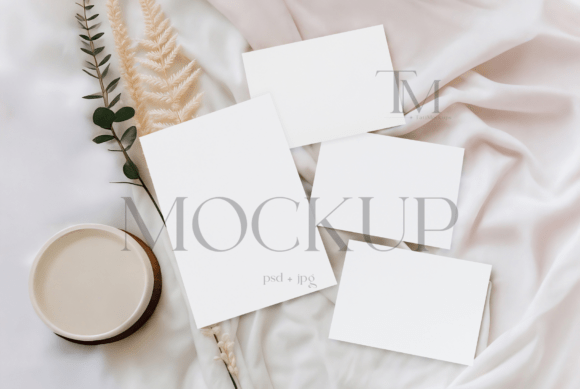
- Brand Identity Presentations: Showcase a complete stationery suite—invitation, RSVP card, details card, and envelope—to demonstrate a cohesive brand system for events or corporate clients.
- Etsy Shop & E-commerce Listings: Instantly elevate your digital product listings. A professional, styled mockup makes your designs stand out in a crowded marketplace, building trust and increasing conversion potential.
- Social Media & Digital Marketing: Create stunning, scroll-stopping content for Instagram, Pinterest, or Facebook. Mockup images are ideal for announcing new collection launches, sharing client work, or running promotional campaigns.
- Portfolio & Client Presentations: Move beyond screen-shared PDFs. Presenting your design work in a realistic context demonstrates attention to detail and helps stakeholders visualize the end product, strengthening your professional presentation.
Choosing and Using Mockups Effectively
Not all mockups are created equal. Selecting the right one involves considering visual hierarchy, modern aesthetics, and compatibility with your design goals. Look for files with high resolution (300 DPI for print-ready clarity) and a clean, uncluttered layout that lets your design be the hero. The scene should complement, not compete with, your typography and color palette.
When integrating your design, focus on consistency. Ensure your fonts, colors, and graphical elements align with the overall brand identity or event theme. Use the mockup to test visual hierarchy—does the invitation text stand out clearly against the background? Is the layout balanced? This process is invaluable for refining your print design and packaging design concepts before they go to production, saving time and resources.
Ultimately, the tools you use reflect the quality you deliver. Investing in premium creative assets like a versatile Invitation Suite Smart Object Mock Up is an investment in your brand's credibility and your clients' experience. It allows you to communicate design intent with unmatched clarity, turning abstract concepts into compelling visual stories that resonate and impress. In a competitive landscape, this level of professional polish is what sets exceptional designers apart.